It is no longer mandatory to create a channel to display your programming. You can create a playlist with your media content and assign it directly to your player.
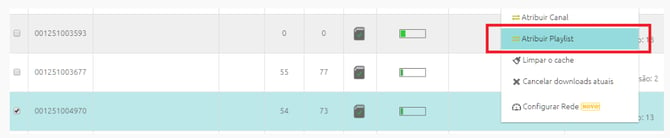
To do so, create your playlist and then open the Player Monitoring tab. Select a player, right-click on it, and choose the Assign Playlist option. Then, select the playlist you created earlier.
You can also assign a playlist by selecting the player and clicking +Actions > Assign Playlist.