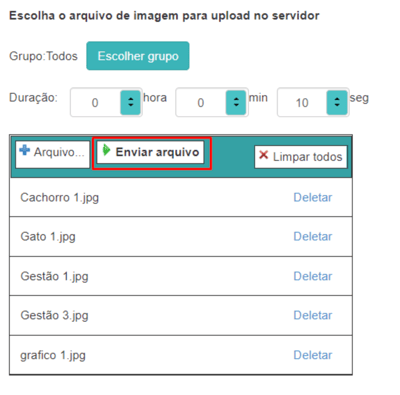
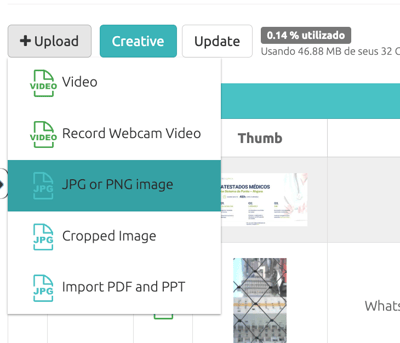
Image formats can be .JPG and .PNG The image upload process is similar to the video upload process. Go to “Content” → “Media” → “+ Upload” and then select “JPG or PNG Image”.
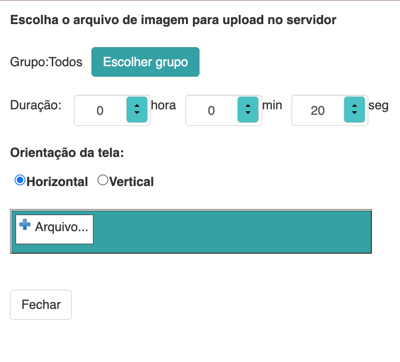
A pop-up window will open for you to select your images. Select the Group this image will be assigned to and the Duration the image will be displayed in the schedule:
It is possible to select more than one image to upload to the system. After selecting the images, simply send them to the system using the upload file option.