
To remove a media item from a playlist or sub-playlist, follow the steps below:
- Go to the Playlists tab, located at the top of the screen.

- Locate the desired playlist or sub-playlist.
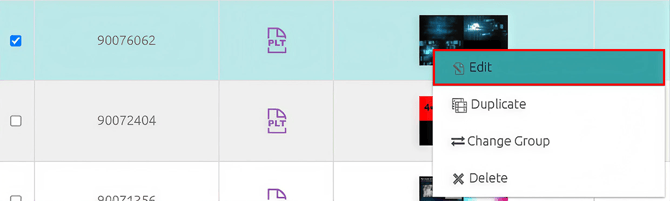
- Right-click on the playlist or sub-playlist and select the Edit option.
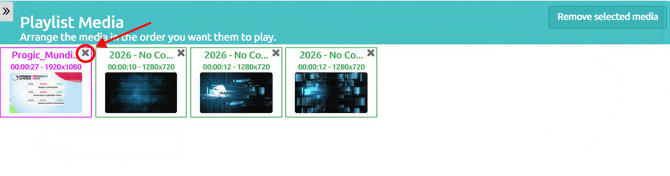
- On the right side of the screen, locate the media item you want to remove and click the ❌ (X) icon next to it.
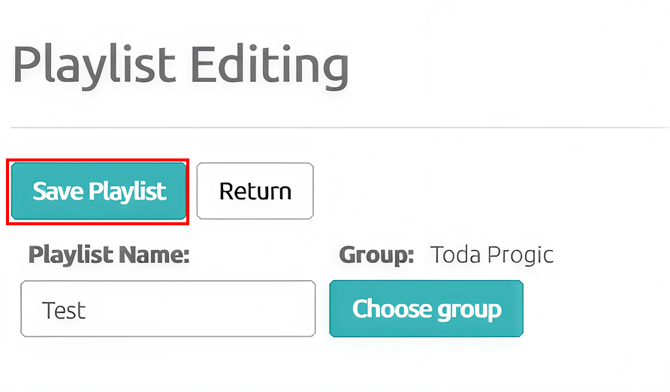
- After removing the media item, click 💾 Save Playlist to confirm the changes.
✅ The media item will only be removed from the selected playlist or sub-playlist.
📁 The file will remain available in the system's media library and can be used again whenever necessary.