
Ready-Made Channels are channel templates already configured for specific segments, such as Point of Sale, Corporate TV, and others. They help speed up channel creation by leveraging previously developed structures.
How to access Ready Channels
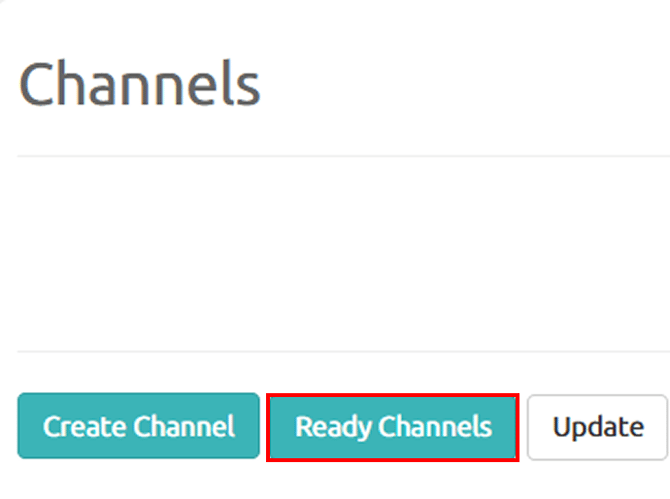
- From the main menu, go to Channels > Ready Channels.
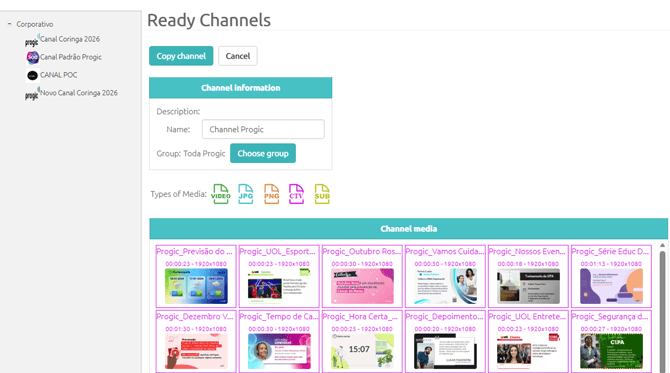
- A category tree containing several channel templates will be displayed.
- Select the desired channel to view its information and copy it to your account.
Available actions
Copy Channel
Creates a copy of the selected channel in your account.
When copying a channel, all of its elements are replicated, including:
- Playlists
- Media
- Frames
- Channel-related setting
Cancel
Returns to the channel list without performing any action.
Channel Information
When selecting a ready-made channel, the following information is displayed:
- Name: channel name.
- Description: brief description of the channel and its purpose.
- Group: allows you to define or change the group to which the channel will be linked.
- Channel Media: lists all media items available in the selected channel.