Creating New Users in Manager
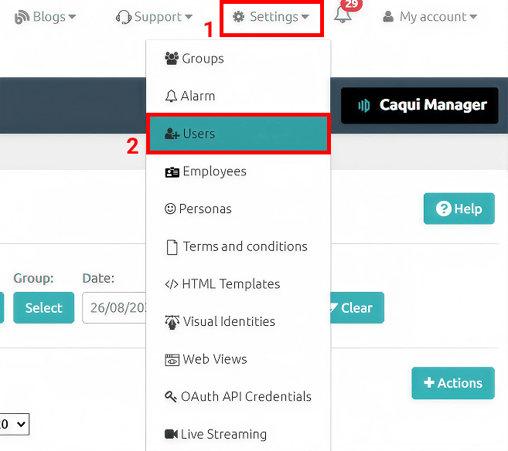
To create a new user within Manager, go to the Settings option in the top menu and then select the Users option:
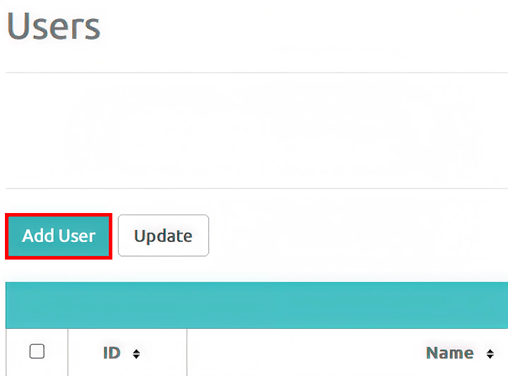
On the screen where all registered users are displayed, click the Add User button:
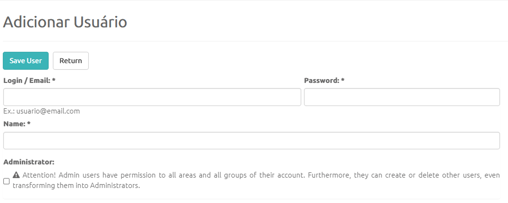
On the new user registration screen, you must fill in all of the following fields:
- Login: valid email address that the user will use to access Manager;
- Password: create the Manager access password that this user will use;
- Name: user's full name.
If the user will be a new account Administrator (with full access and permissions), you must select the Administrator option.
Select the Groups the user will have access to (if they do not have Administrator permissions).
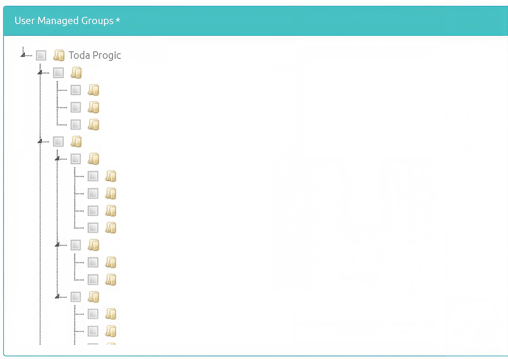
Select the pages the user will have access to for both Read and Write permissions (with Read access, the user can only view the page and cannot make any changes. With Write access, the user can access the page and make changes). 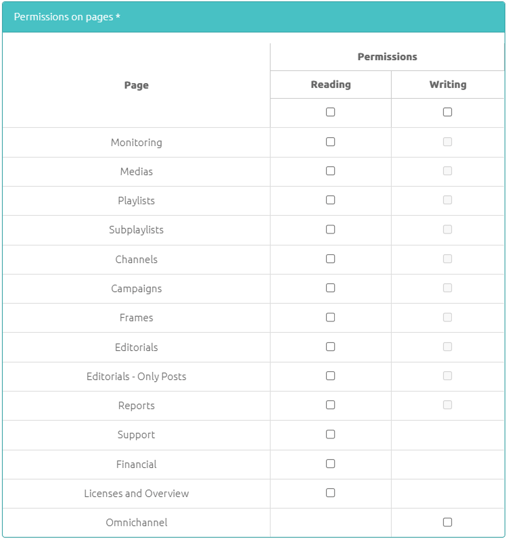
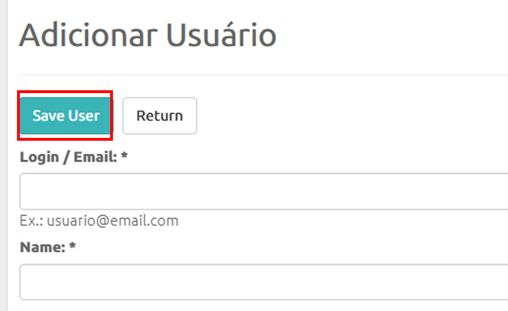
To complete the new User registration, simply click the Save User button.